
Open a file and see what happens
Experiment with a MaterialX node graph in the editor, then explore materials in a live 3D viewer. Both tools are free without an account.
Edit in the browser
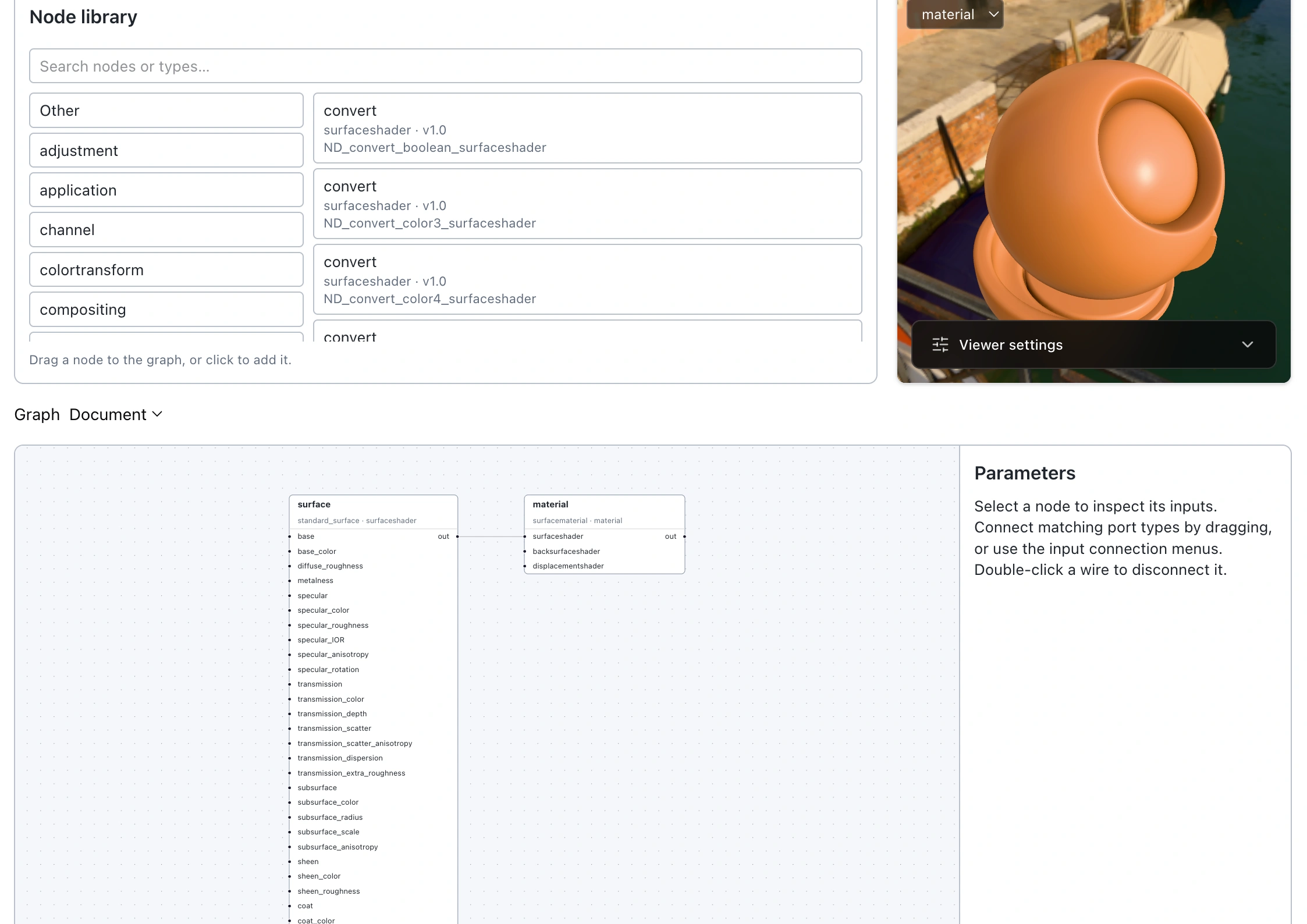
Open a local .mtlx or .mtlx.zip file, or load one from a URL. Explore the nodes, make changes, and download the edited material. Nothing needs to be uploaded to MTLX.ai to try the editor.
Preview in 3D
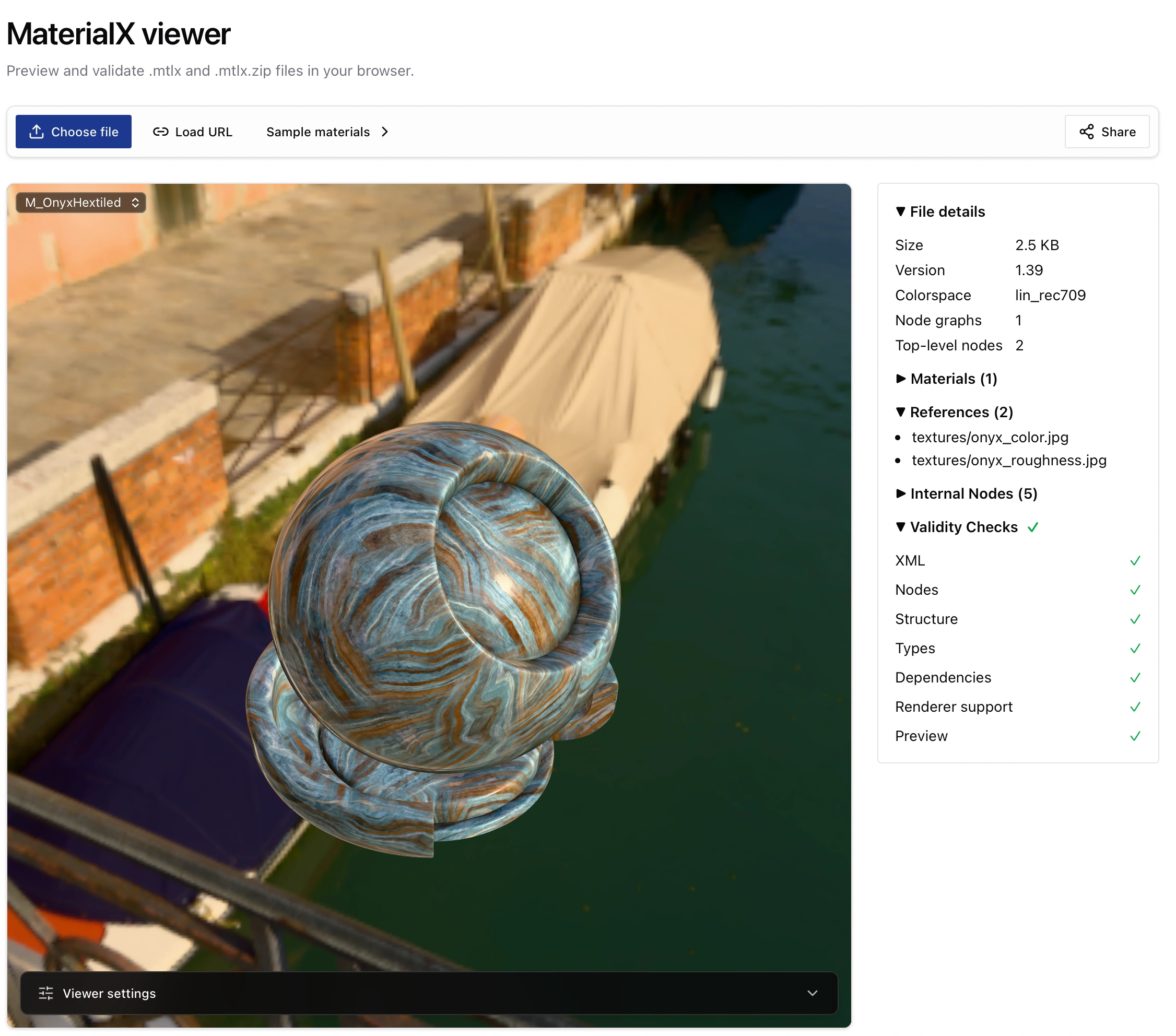
The viewer loads a MaterialX file from a web URL and shows it on a 3D object you can rotate and inspect. Material pages in the library have a viewer too. You can share a viewer URL or embed the editor or viewer in another page.
The preview uses the open-source mtlx-viewer and Three.js MaterialX support; it does not aim to match every offline MaterialX renderer exactly. A source URL must allow browser access.
Keep the result
When you want a lasting page, choose Save to Library in the editor, or upload a .mtlx or .mtlx.zip file from your account. Saving requires an account; public materials are free to share. See how the library works →